Video works best for the questions that are easier to show than to explain: how a piece of equipment is operated, what a finished installation looks like, how to prepare a site before a crew arrives. Those videos can be found in two places: on YouTube, and in Google Search, which shows videos on the main results page, in its Video mode, in Google Images and in Discover.
Decide what to film
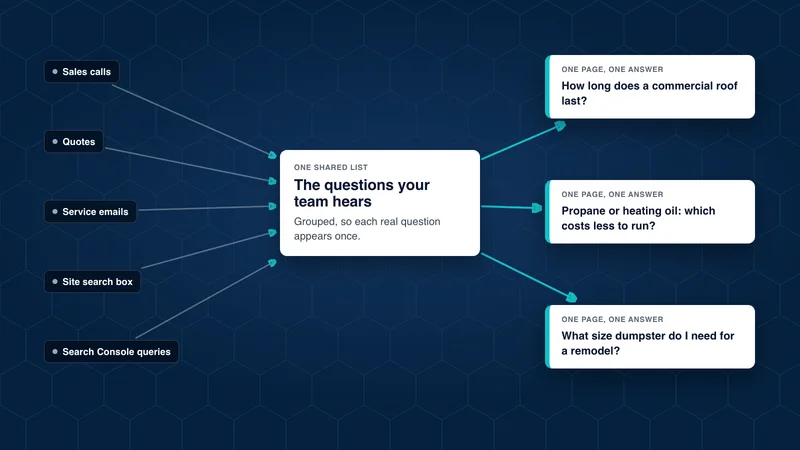
Start with the questions buyers ask your team, the same way you would plan written content. Good candidates:
- How-to videos for tasks customers do themselves, such as basic maintenance or preparing for a delivery.
- How we do it videos that show your process, equipment or facility.
- Comparisons between options a buyer is choosing between.
- Project walk-throughs of finished work, with the person who led it explaining the choices.
A clear, well-lit video from someone who knows the subject is more useful than a polished one that says nothing specific. Keep each one focused on a single question.
Give each important video its own page
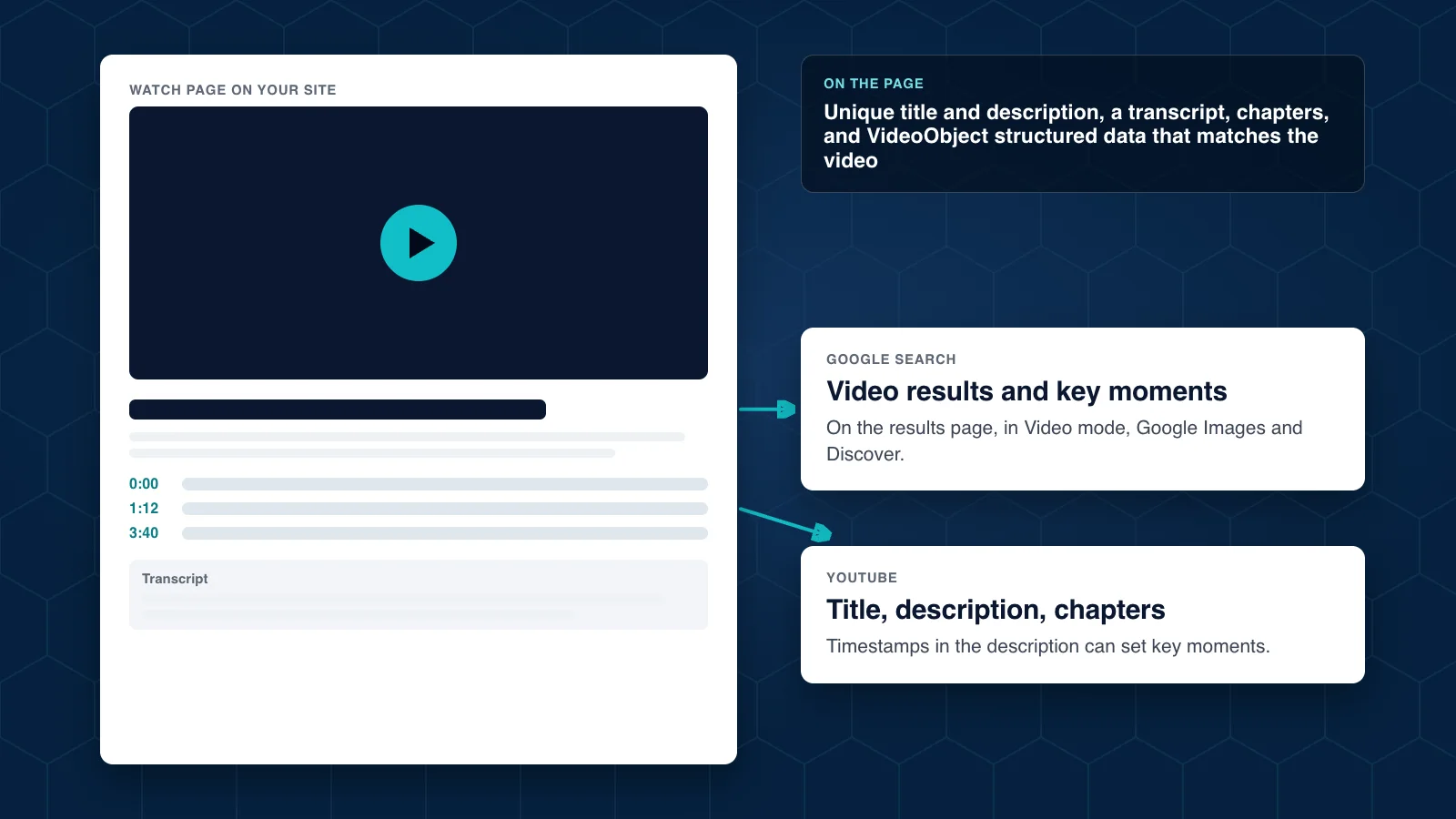
Google’s video guidance recommends a dedicated “watch page” for each video, where watching that video is the main reason someone visits. A blog post with a video tucked in the middle can still appear in search, but a watch page is eligible for more video features.
On each watch page:
- Embed the video using a standard player, such as the YouTube embed.
- Write a title and description unique to that video.
- Add a transcript or a written summary. It helps people who prefer to read and gives search engines text to understand.
- Link it to the service page it relates to.
Help Google understand the video
- Add
VideoObjectstructured data with the video’s name, description, thumbnail and upload details. Google says the information must match the actual video. - Use a good thumbnail at a stable address. Google requires a valid thumbnail for video features.
- Add chapters. Google can show “key moments” so searchers can jump to a section. You can set them with timestamps in the YouTube description or with
Clipstructured data on your own page. - Do not hide the video behind other elements or load it only after someone clicks.
On YouTube itself
- Use a title that matches how people search, a full description that explains the video and links to your site, and chapter timestamps.
- Group videos into playlists by service or question.
- Turn on captions and check the automatic ones for errors, especially product names and technical terms.
Measure it
YouTube Studio shows views, watch time and where viewers came from. Google Search Console has a Video indexing report that shows which of your watch pages have an indexed video, and the Performance report can be filtered to video results. Tie those to the inquiries that follow, and you will see which videos earn their cost.
Our article on answering your customers’ questions explains how to find the topics, and the image optimization guide covers thumbnails and other visuals.